Dashboard Page
The Dashboard is your central command center for tracking cryptocurrency investments. It provides a real-time view of your portfolio's performance, asset allocation, and transaction history across multiple wallets.
Portfolio Overview
The main dashboard view aggregates data from all your connected wallets (both manual and blockchain-connected) to provide a holistic summary.
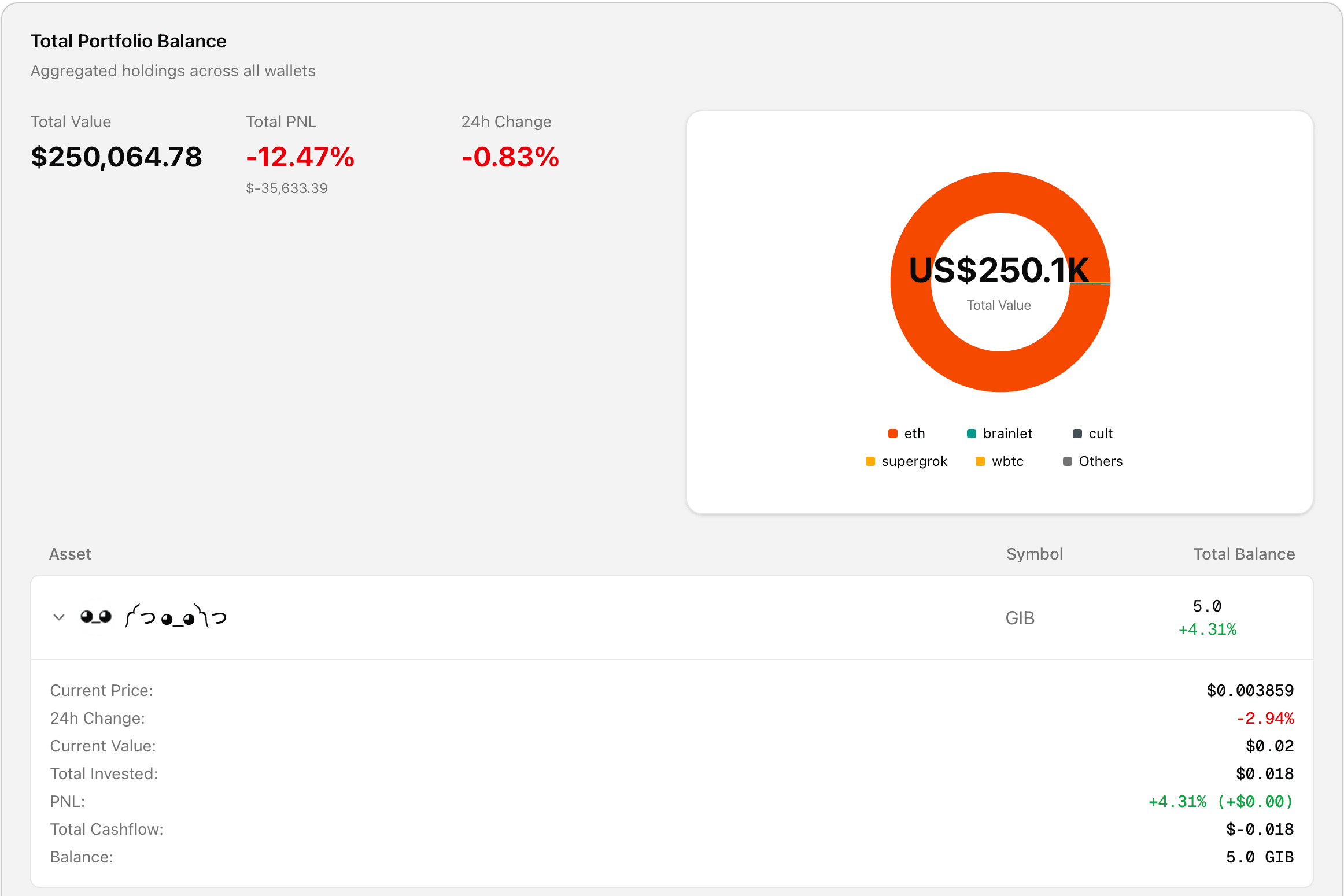
Key Metrics
- Total Balance: The current USD value of all assets in your portfolio.
- 24h Change: The value change in the last 24 hours, weighted by your holdings.
- Total Profit/Loss (PnL): The total money gained or lost since your initial investment.
- PnL %: The percentage return on your investment.
Performance Calculation Algorithm
We use a Cashflow-Based PnL calculation method to ensure accuracy, even when you have complex transaction histories (buys, sells, transfers).
1. Token Metrics
For each individual token, we calculate:
-
Current Value:
-
PnL Amount: We calculate profit by adding your current asset value to your net cashflow.
Note: Net Cashflow is negative for money invested (outflow) and positive for money realized/sold (inflow).
-
PnL Percentage:
2. Portfolio-Wide Aggregation
To get the total portfolio statistics, we aggregate data from all tokens:
- Total Current Value: Sum of the current value of all tokens.
- Total PnL Amount:
- Weighted 24h Change: Instead of a simple average, we weight the price change of each coin by how much of it you own.
Wallet Management
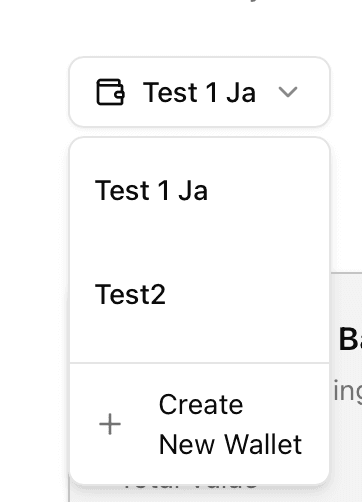
You can switch between different wallets or view a specific wallet's details using the wallet selector.
Deleting a Wallet
If you no longer wish to track a specific wallet:
- Select the wallet from the dropdown menu.
- Click the Delete Wallet (Trash icon) button.
- Confirm the deletion in the dialog.
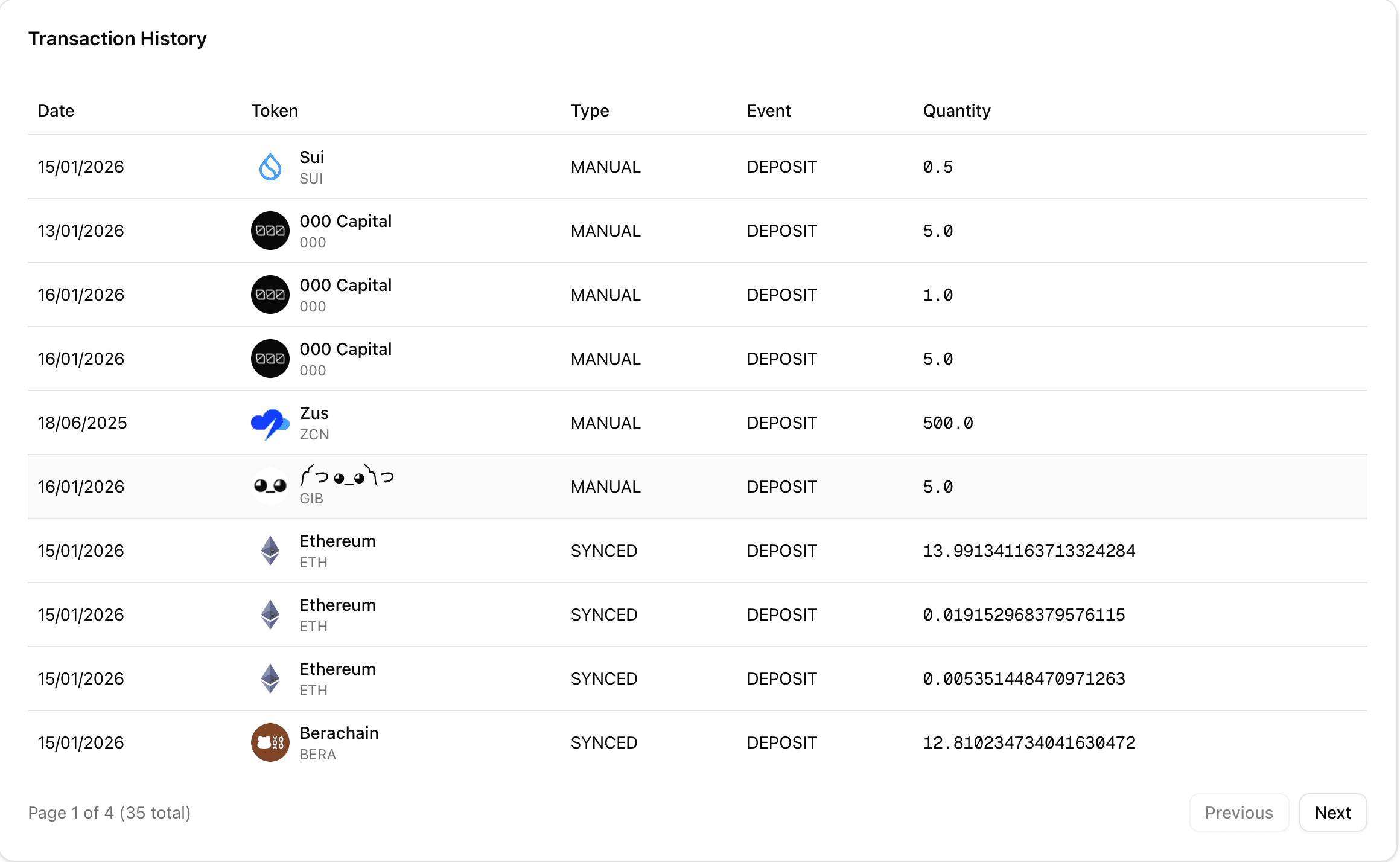
Transaction History
The dashboard also provides a history of your transactions. By clicking Show Transactions (if available), you can view recent activity fetched directly from the blockchain or your manual entries.